PDF Scanner
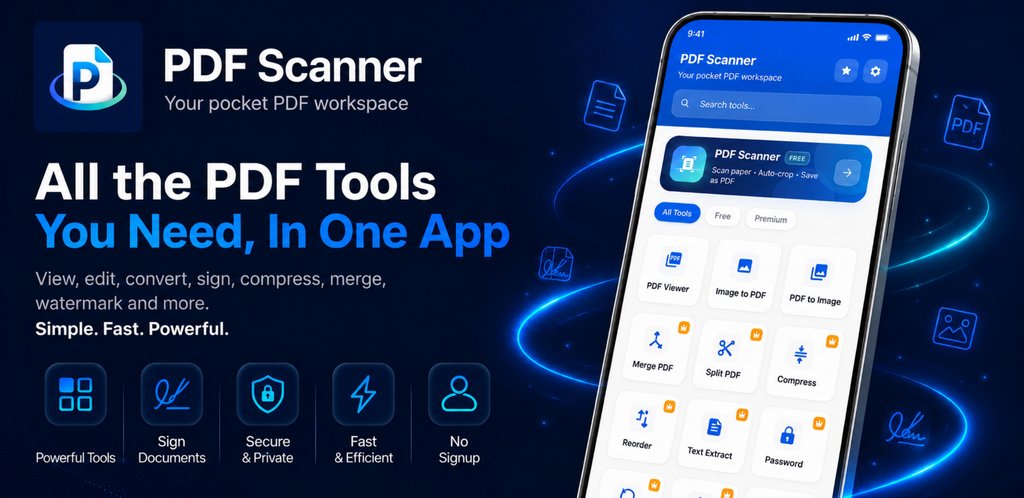
Scan documents with your camera, then edit and convert them — 22 PDF tools in one app.
Screenshots
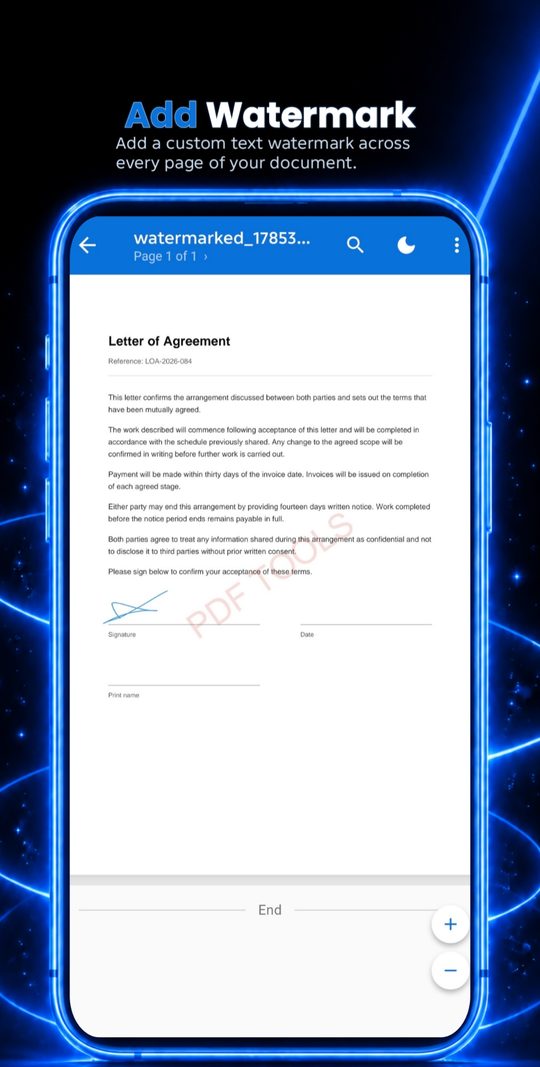
Swipe to see more
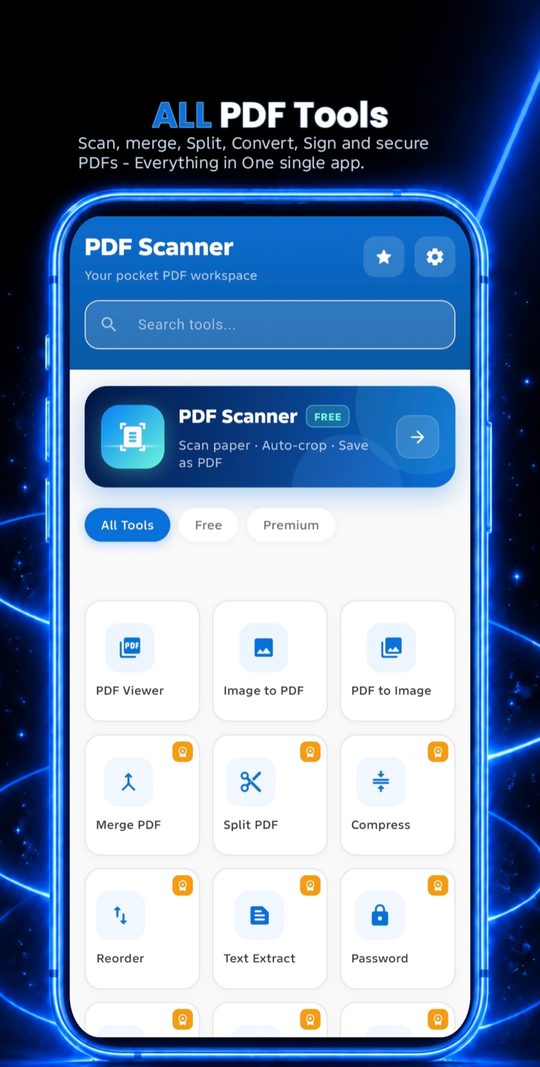
PDF Scanner puts 22 document tools in one place, so you can finish PDF work on your phone instead of uploading files to a website or creating an account. Processing happens on your device.
Scanning
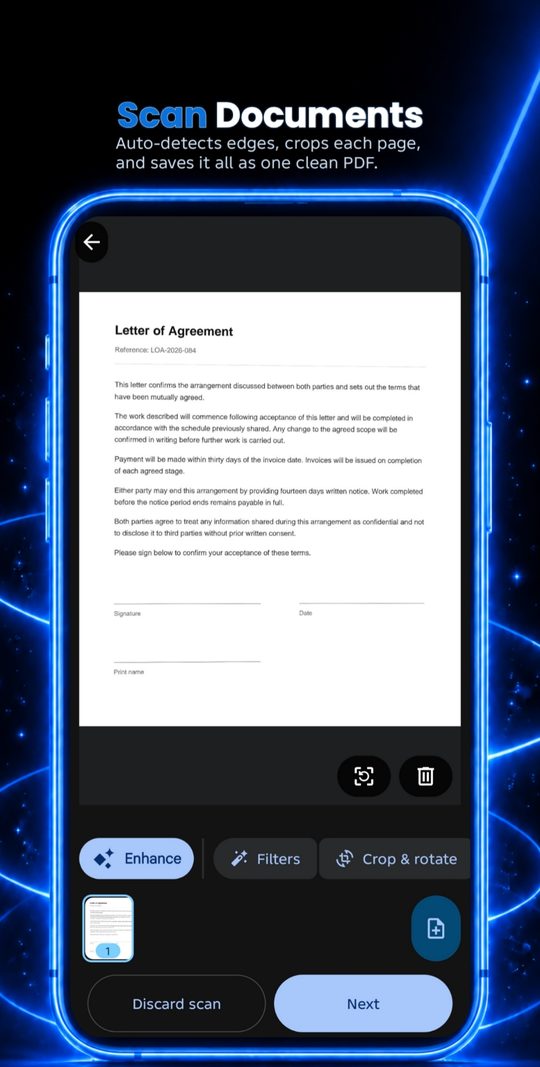
- Scan paper documents with your camera — free, with no ad to unlock it
- Automatic edge detection and cropping on every page
- Turn receipts, notes and contracts into clean multi-page PDFs
Organise and edit
- Merge several PDFs into one document
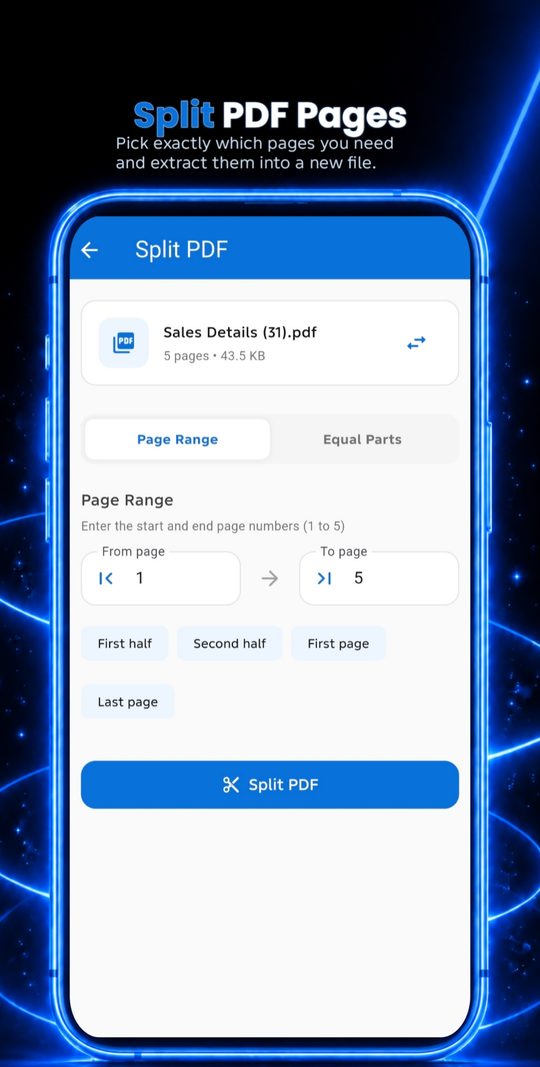
- Split PDFs by page or page range
- Reorder, rotate and delete pages
- Compress files to reduce size without losing readable quality
Convert
- PDF to Word, Excel and PowerPoint
- PDF to image, and image to PDF
- Extract text from PDFs with OCR
Sign and secure
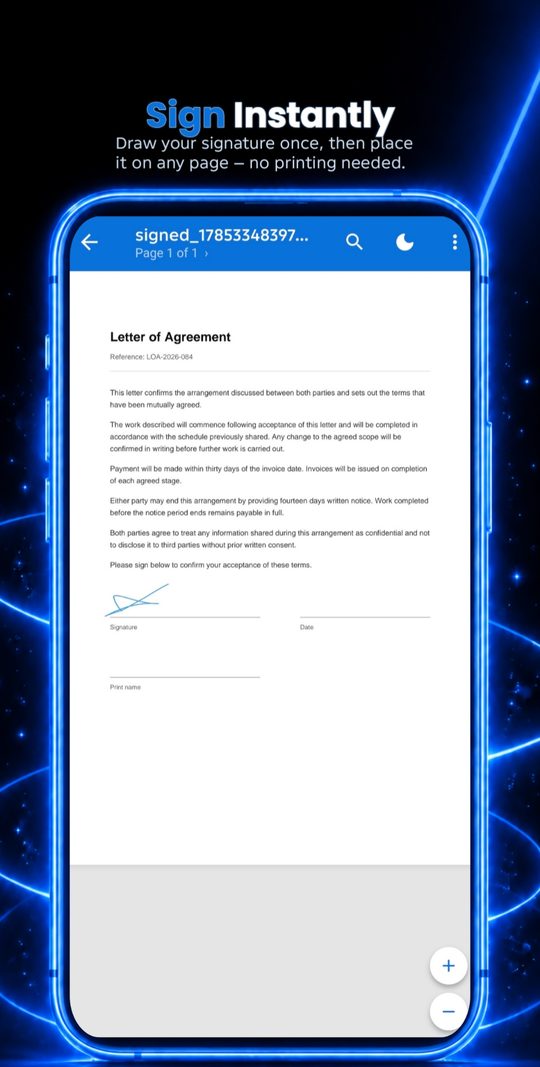
- Sign documents with your finger or a saved signature
- Fill PDF forms directly on your phone
- Add or remove PDF passwords
- Redact sensitive information permanently — redacted areas are burned into the page, not just covered
Some PDF tools work fine in a browser when you only need them occasionally. Those run entirely on your device — files are never uploaded to a server.
PDF Merge
Combine several PDFs into one file, in the order you choose. Nothing gets uploaded.
PDF Split
Pull out a page range, or split a PDF into separate files.
PDF Rotate
Fix sideways or upside-down pages and save the corrected file.
Image to PDF
Turn JPG and PNG photos or scans into a single PDF, one image per page.
Scanning, OCR, signing and form filling need camera and file access that browsers handle poorly — those stay in the app.
The scanner asks for camera permission
Scanning uses your camera to capture the page. The app doesn't record video or upload images anywhere — the captured page goes straight into the PDF on your device.
How do I unlock the other tools?
The scanner is free with no ad required. Other tools unlock for free by watching a short ad, or permanently with a Premium subscription managed through Google Play, cancellable anytime.
Something isn't working
Email support@nexlabstudios.com with your phone model and what you were doing when it happened. Every message gets read.
Privacy
Your documents stay on your phone. There is no account, and we never receive your files, scans or extracted text.
- Scanning, OCR and every PDF tool run on your device. Your files are never uploaded to us.
- Ads come from Google AdMob. Where the law requires it (EEA, UK, Switzerland), Google's consent form asks first.
- Firebase Analytics and Crashlytics receive usage events and crash details, never your file names or contents.
- Premium is a Google Play subscription. We never see your card details.
- There is no account to delete. Clear the app's storage or uninstall to remove its data.
Read the full Privacy Policy Delete my account
Last updated: October 16, 2026
Terms
PDF Scanner is free to use with ads, with an optional Premium subscription. By using it you agree to use it lawfully.
- Premium is billed and managed through Google Play, and you can cancel there at any time.
- OCR, conversion and redaction results are best-effort, so check them before relying on them.
- A signature added in the app is an image, not a certified digital signature.
- You keep ownership of your files and are responsible for having the right to process them.
Read the full Terms of Service
Last updated: October 16, 2026