HTML Viewer
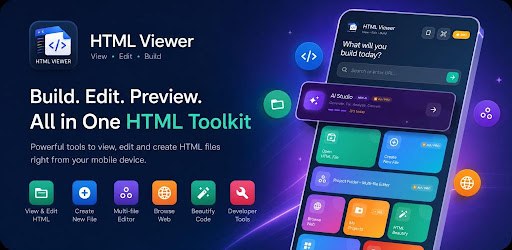
Write, preview and fix HTML, CSS and JavaScript on your phone, with AI help built in.
Screenshots
Swipe to see more
A full HTML, CSS and JavaScript editor for Android — for web developers prototyping away from a desk, students learning to code, and designers checking how a page looks.
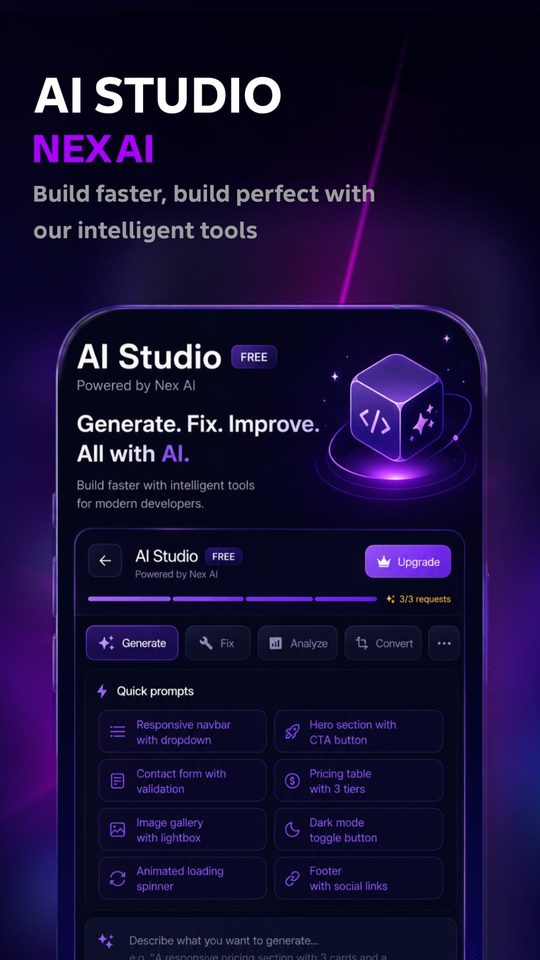
AI Studio
- Generate HTML, CSS and JavaScript from a plain description
- Fix broken code automatically
- Analyse and explain existing code
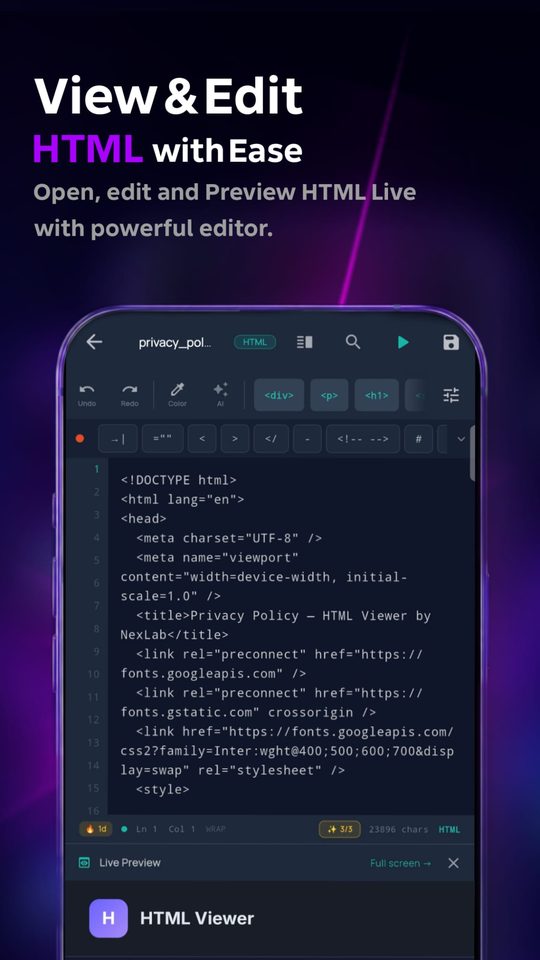
Editor and workspace
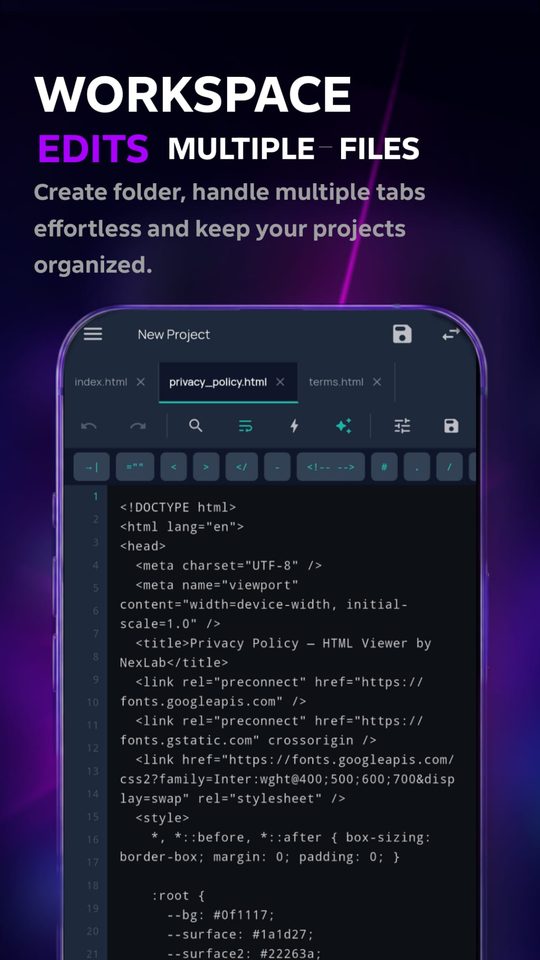
- Multi-file projects with a folder tree, not just single files
- Tabbed editing for HTML, CSS and JS
- Syntax highlighting with 5 themes — Monokai, Dracula, GitHub, VS Dark, Atom One Dark
- Auto-indent, auto-close tags, quick-insert snippets
- Version history — restore any of your last 10 saves
- Auto-save and crash recovery
Preview and check
- Live HTML rendering in a full WebView
- Device emulator bar for responsive testing
- Detect unclosed tags, missing attributes and syntax errors
- Tap any error to jump straight to that line
Sync and tools
- FTP upload straight to your live server
- GitHub integration to browse and sync repositories
- 50+ templates — landing pages, portfolios, e-commerce, pricing tables
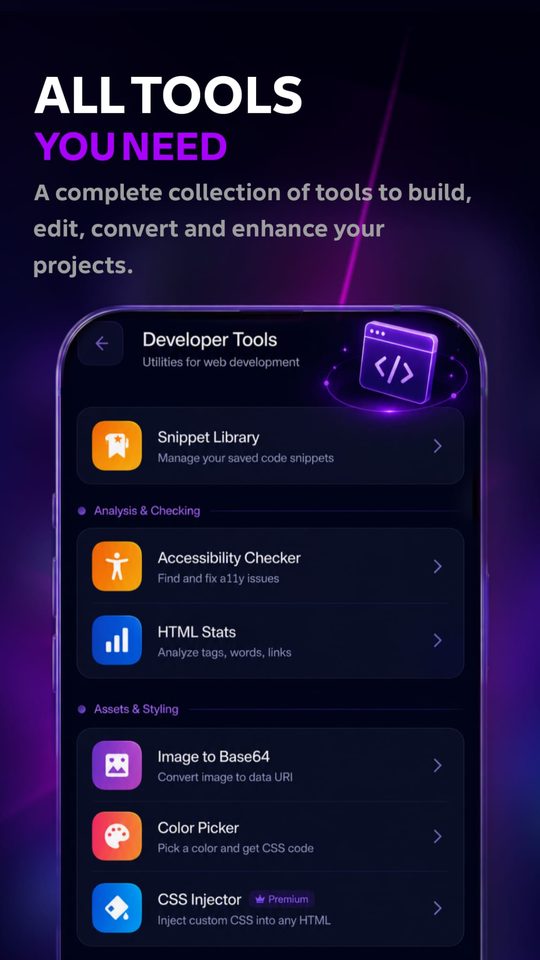
- Accessibility checker, SEO meta tag generator, image-to-Base64, HTML minifier
- Offline HTML/CSS reference guide
If you're already at a desktop, you have a browser and a text editor — the app exists for when you don't. There's no web version of the editor planned. The developer tools bundled inside the app are a better fit for the browser, and those are being built as free web tools here.
My project files disappeared
Open Version history from the editor menu — the last 10 saves of any file can be restored. Auto-save also keeps a recovery copy if the app closed unexpectedly.
GitHub sync isn't connecting
GitHub requires a personal access token rather than your password. Generate one in your GitHub settings under Developer settings → Personal access tokens, with repo scope enabled.
The preview looks different from a desktop browser
Preview runs in Android's WebView, which is Chrome-based but can lag behind desktop Chrome on newer CSS features. The device emulator bar helps check layout, but test on a desktop browser before publishing.
Something isn't working
Email support@nexlabstudios.com with your phone model and what you were doing when it happened. Every message gets read.
Privacy
Your files stay on your phone. We only receive the small amount of data needed to run accounts, subscriptions, AI features and error reports.
- Your HTML files, projects, history and bookmarks are stored on your device and never uploaded to us.
- Your username, an optional email, a device ID and purchase records are kept so your plan can be restored.
- AI Studio sends only the prompt and code you submit, to our AI provider, to produce a reply.
- Error reports are sent only when you tap Report a Problem.
- You can delete your account and its data at any time.
Read the full Privacy Policy Delete my account
Last updated: October 15, 2026
Terms
HTML Viewer is free to use, with optional paid plans. By using it you agree to use it lawfully and fairly.
- Subscriptions are billed and managed through Google Play, and you can cancel there at any time.
- A plan works on one phone at a time and is tied to your account.
- AI features have fair-use limits, and abusing them or the service is not allowed.
- You keep ownership of everything you create.
Read the full Terms of Service
Last updated: October 15, 2026