HTML Viewer
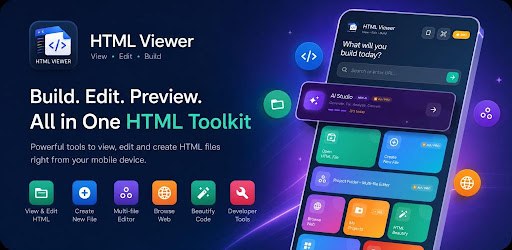
Write, preview and fix HTML, CSS and JavaScript on your phone, with AI help built in.
Swipe to see more
A full HTML, CSS and JavaScript editor for Android — for web developers prototyping away from a desk, students learning to code, and designers checking how a page looks.
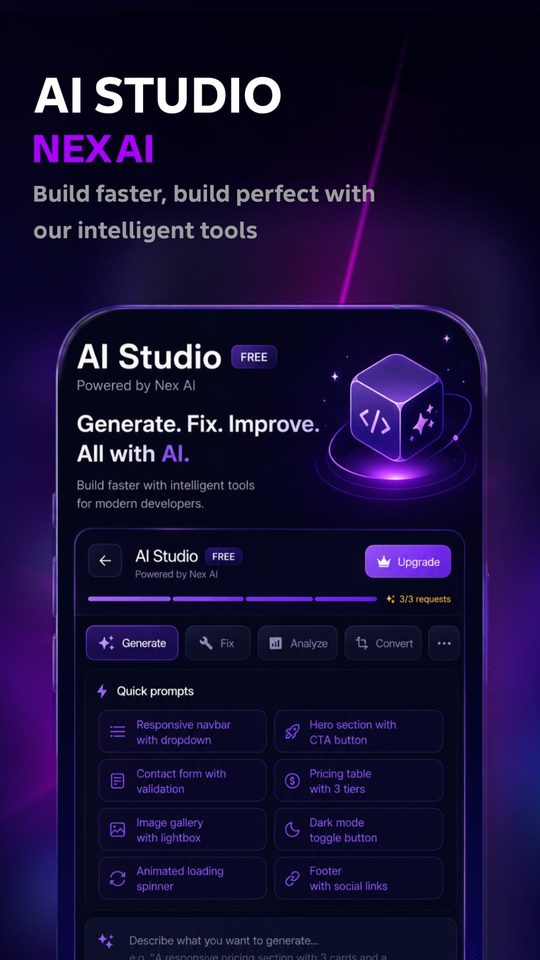
AI Studio
- Generate HTML, CSS and JavaScript from a plain description
- Fix broken code automatically
- Analyse and explain existing code
Editor and workspace
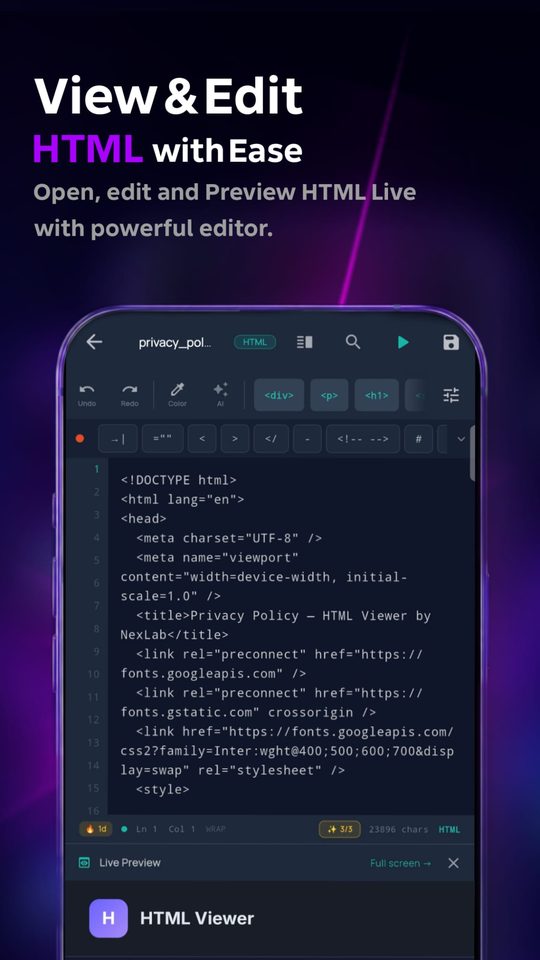
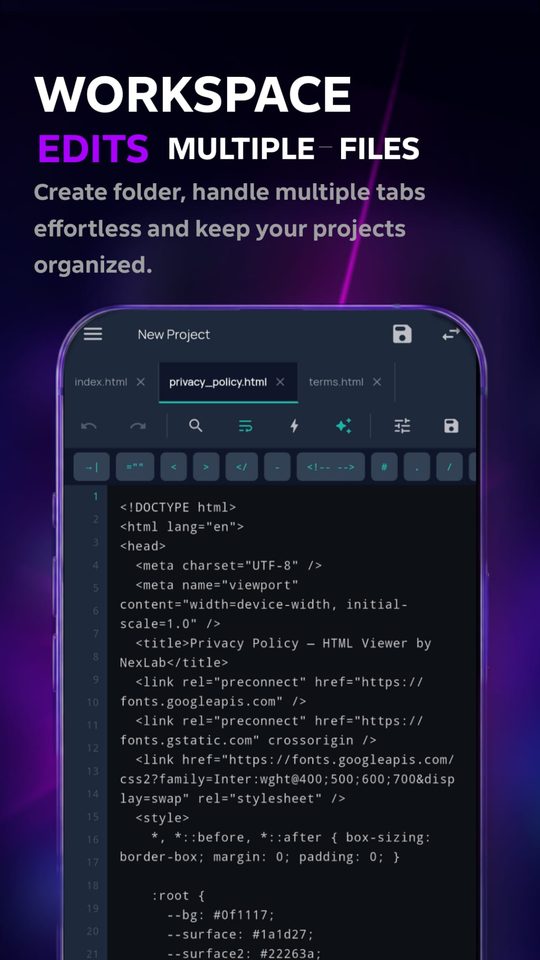
- Multi-file projects with a folder tree, not just single files
- Tabbed editing for HTML, CSS and JS
- Syntax highlighting with 5 themes — Monokai, Dracula, GitHub, VS Dark, Atom One Dark
- Auto-indent, auto-close tags, quick-insert snippets
- Version history — restore any of your last 10 saves
- Auto-save and crash recovery
Preview and check
- Live HTML rendering in a full WebView
- Device emulator bar for responsive testing
- Detect unclosed tags, missing attributes and syntax errors
- Tap any error to jump straight to that line
Sync and tools
- FTP upload straight to your live server
- GitHub integration to browse and sync repositories
- 50+ templates — landing pages, portfolios, e-commerce, pricing tables
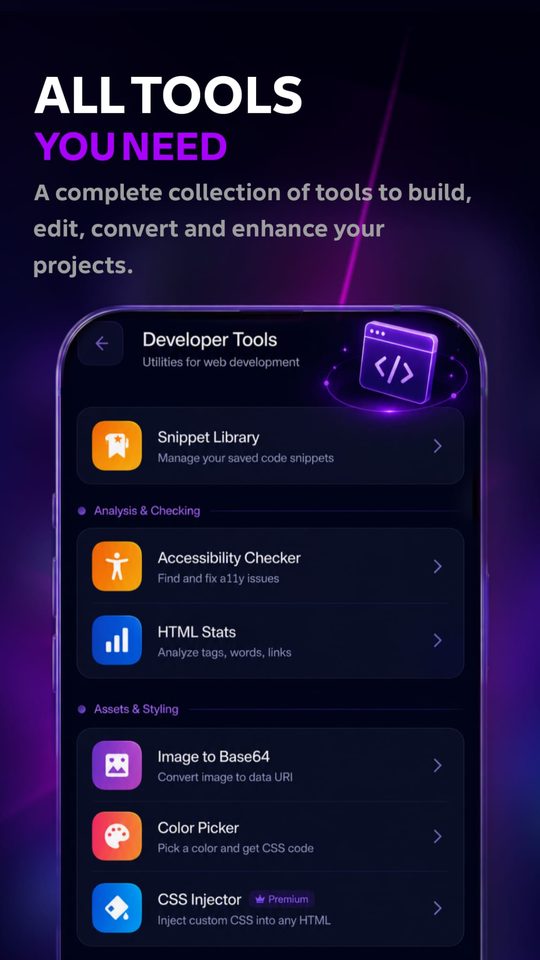
- Accessibility checker, SEO meta tag generator, image-to-Base64, HTML minifier
- Offline HTML/CSS reference guide
If you're already at a desktop, you have a browser and a text editor — the app exists for when you don't. There's no web version of the editor planned.
The developer tools bundled inside the app are a better fit for the browser, and those are being built as free web tools here.
QR Code Generator
Turn any link or text into a downloadable QR code.
My project files disappeared
Open Version history from the editor menu — the last 10 saves of any file can be restored. Auto-save also keeps a recovery copy if the app closed unexpectedly.
GitHub sync isn't connecting
GitHub requires a personal access token rather than your password. Generate one in your GitHub settings under Developer settings → Personal access tokens, with repo scope enabled.
The preview looks different from a desktop browser
Preview runs in Android's WebView, which is Chrome-based but can lag behind desktop Chrome on newer CSS features. The device emulator bar helps check layout, but test on a desktop browser before publishing.
Something isn't working
Email support@nexlabstudios.com with your phone model and what you were doing when it happened.